How To Guide: Add or Remove a Rule
This guide shows how to create a custom logging rule that only passes when the GraphQL query contains a specific substring (like “GetPost”), how to register it with the RuleManager, and how to remove existing rules.
Architecture
Section titled “Architecture”When logging an event through a filter or action it will first check if an event should be logged using the RuleManager.
All rules must implement the interface Rules implement WPGraphQL\Logging\Logger\Rules\LoggingRuleInterface
This contains 2 required methods
passes( array $config, ?string $query_string ): boolget_name(): string
Option 1: Add a new rule
Section titled “Option 1: Add a new rule”Firstly create a class that implements the interface and returns true only if the query contains a given substring.
<?phpnamespace MyPlugin\Logging\Rules;
use WPGraphQL\Logging\Logger\Api\LoggingRuleInterface;
class ContainsStringRule implements LoggingRuleInterface {    public function __construct( private readonly string $needle ) {}
    public function passes( array $config, ?string $query_string = null ): bool {        if ( ! is_string( $query_string ) || '' === trim( $query_string ) ) {            return false; // No query => fail        }        return stripos( $query_string, $this->needle ) !== false;    }
    public function get_name(): string {        // Ensure unique name per rule; adjust if you need multiple variants        return 'contains_string_rule';    }}
We then need to register the rule with the RuleManager. Use the wpgraphql_logging_rule_manager filter to add your rule. This runs when the logger helper initializes rules.
<?phpadd_filter( 'wpgraphql_logging_rules', function( $default_rules ) { $default_rules[] = new ContainsStringRule( 'GetPost' ); return $default_rules;}, 10, 1);Assuming all other rules are passing, If you query
{ posts(first: 5) { nodes { id title } }}This data will not be logged.
However if you query:
query GetPost($uri: ID!) { post(id: $uri, idType: URI) { title content }}where the $uri is a valid post slug, then it should log the data into WPGraphQL Logging Plugin.
Option 2: Remove rules from the RuleManager
Section titled “Option 2: Remove rules from the RuleManager”You can also remove default rules from the RuleManager using the wpgraphql_logging_rules filter. This filter runs before rules are added to the manager, allowing you to modify the array of rules.
In this example, we will disable the plugin but remove the rule for checking whether the plugin is enabled or not.
<?phpuse WPGraphQL\Logging\Logger\Rules\EnabledRule;
add_filter( 'wpgraphql_logging_rules', function( array $rules ) {    foreach ( $rules as $i => $rule ) {        if ( $rule instanceof EnabledRule ) {            unset( $rules[ $i ] );        }    }    return array_values( $rules );} );
The result should be if you have unchecked “Enabled” under Basic Configuration, the event should be logged providing it passes other rules.
Screenshots
Section titled “Screenshots”Enabled Setting - Disabled
Section titled “Enabled Setting - Disabled”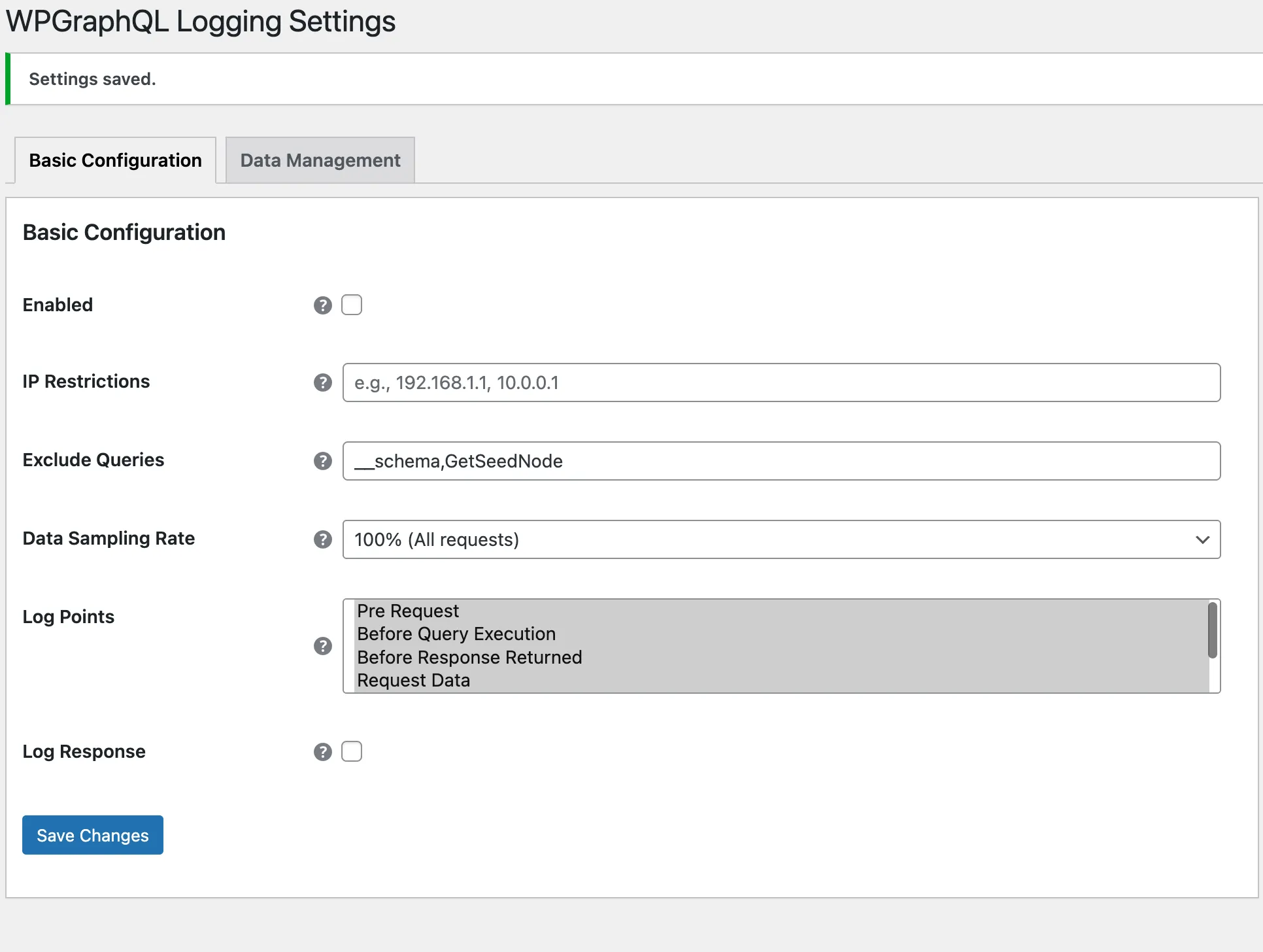
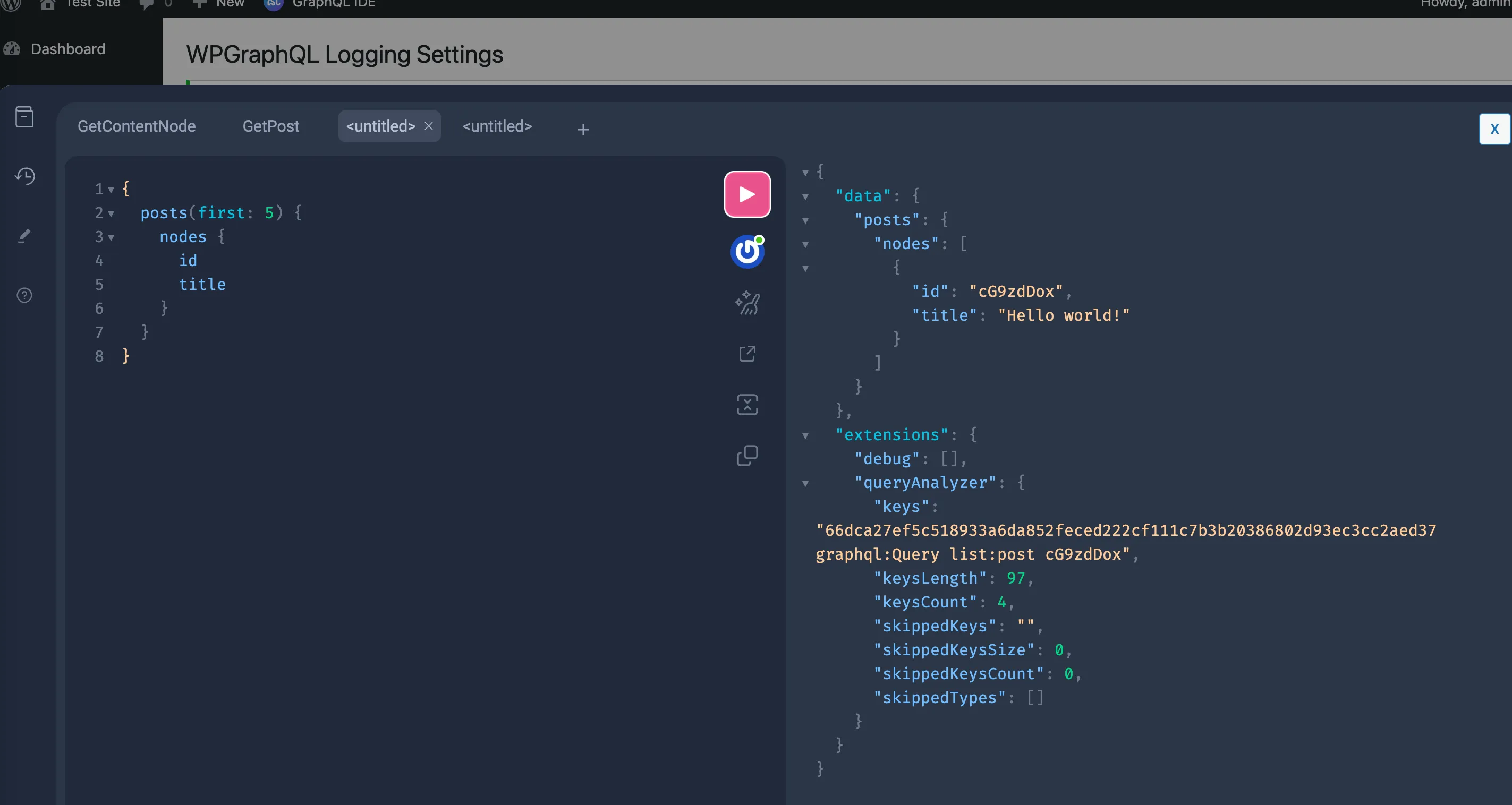
Admin Logs View
Section titled “Admin Logs View”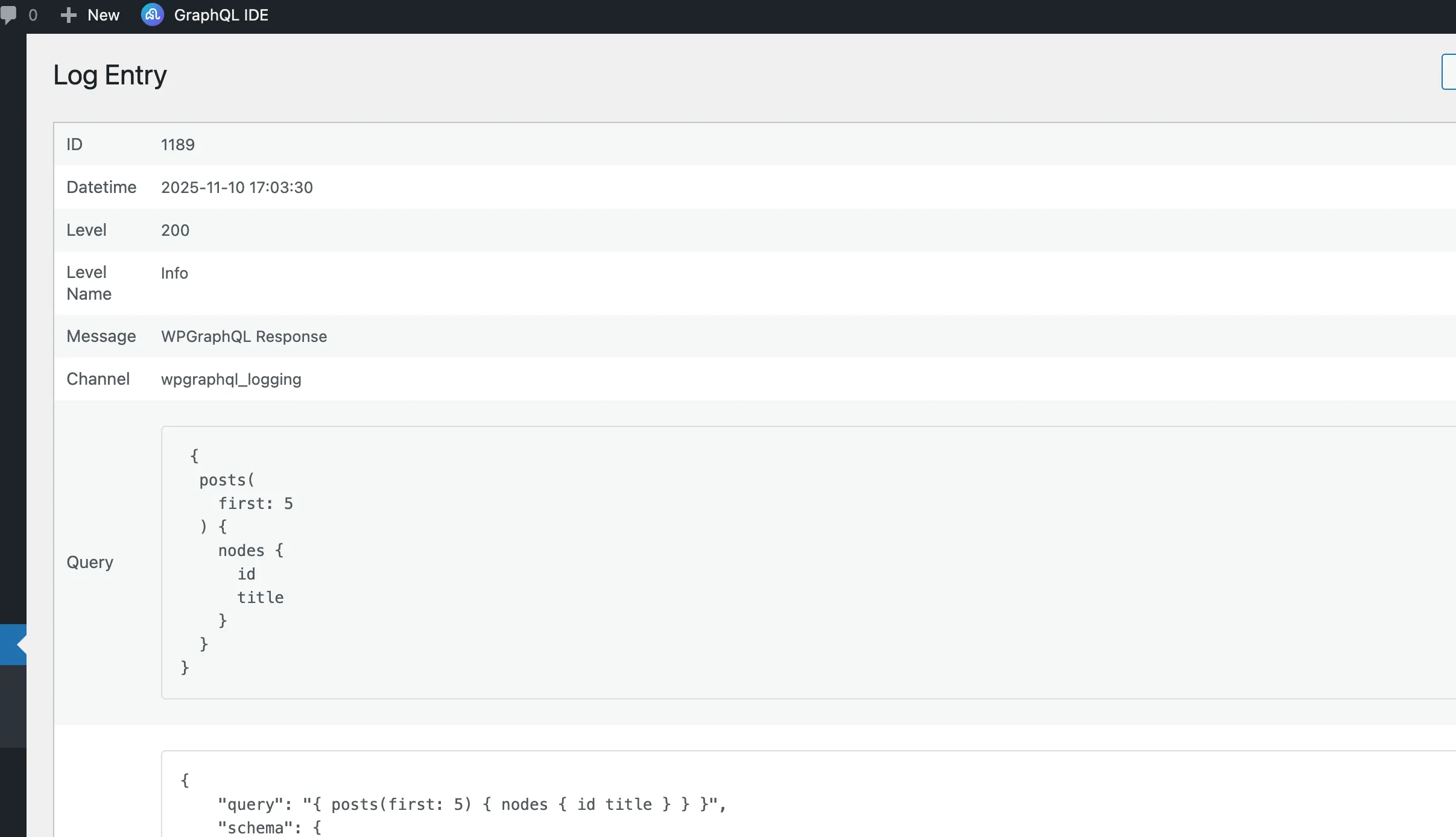
The query was logged even with the enabled checkbox unchecked as we removed the default rule.
Contributing
Section titled “Contributing”We welcome and appreciate contributions from the community. If you’d like to help improve this documentation, please check out our Contributing Guide for more details on how to get started.